4. QR Code Recognition Experiment
Less than 1 minute
Routine Code
import sensor, image, time, lcd

lcd.init()
sensor.reset()
sensor.set_pixformat(sensor.RGB565)
sensor.set_framesize(sensor.QVGA)
sensor.skip_frames(time = 100)

clock = time.clock()
while(True):
    clock.tick()
    img = sensor.snapshot()
    for code in img.find_qrcodes():
        img.draw_rectangle(code.rect(), color = 127, thickness=3)
        img.draw_string(code.x(),code.y()-20,code.payload(),color=(255,0,0),scale=2)
        print(code)
    lcd.display(img)
    #print(clock.fps())
Experiment Preparation
- Connect the K210 to your computer via USB.
- Prepare a QR code.
- Open CanMV IDE and run the routine code above.
Experiment Results
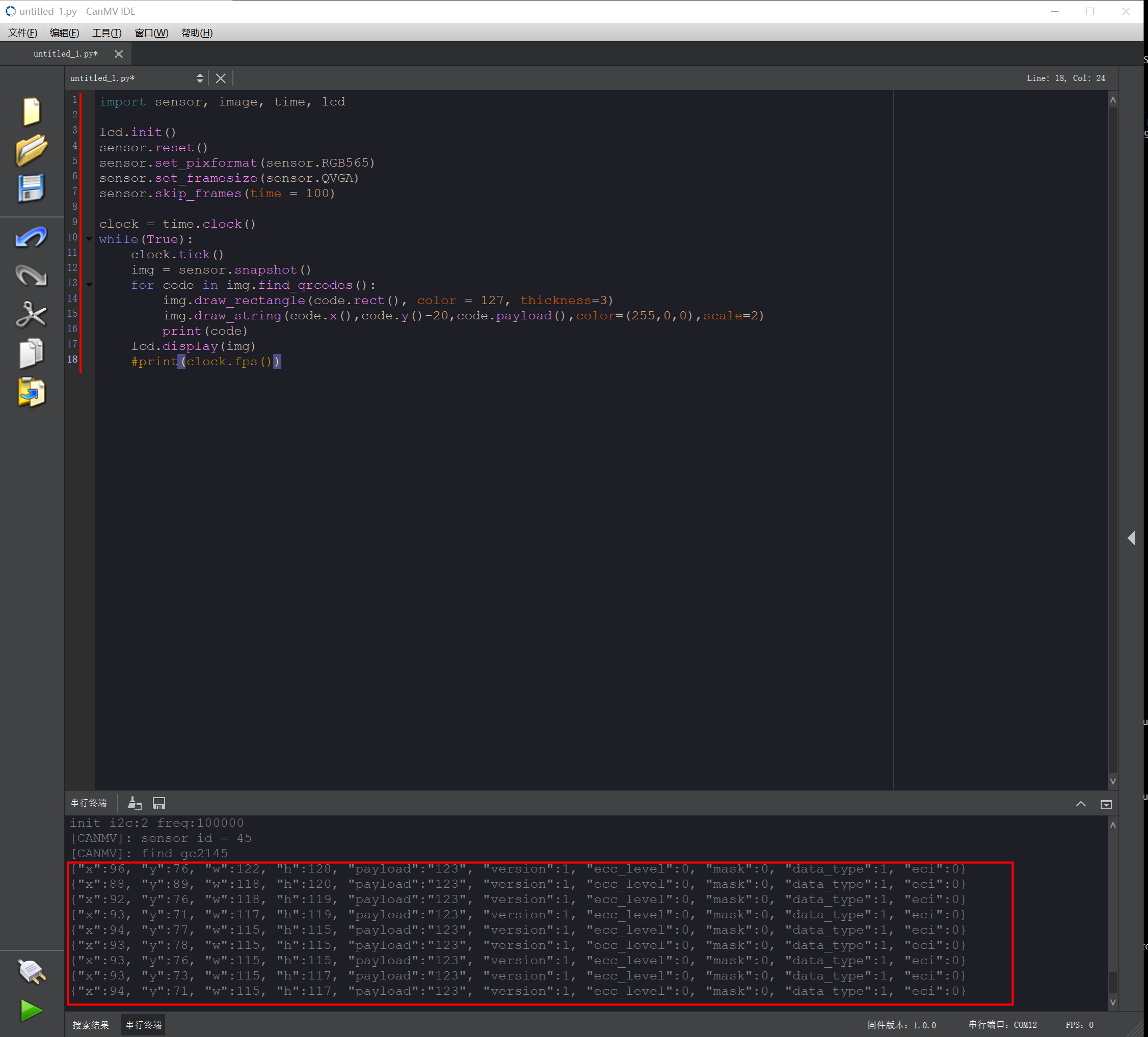
- After system initialization completes, the LCD displays the camera feed. Point the camera at a QR code. The QR code is outlined, and its payload is shown in the upper-left corner of the box.

- QR code information is also printed in the Serial Terminal at the bottom of the IDE.
Routine Code Explanation
- Import the required libraries and initialize the camera and LCD display.
import sensor, image, time, lcd

lcd.init()
sensor.reset()
sensor.set_pixformat(sensor.RGB565)
sensor.set_framesize(sensor.QVGA)
sensor.skip_frames(time = 100)- Use the built-in
find_qrcodesfunction to detect QR codes. If found, outline the code and print its information.
- Use the built-in
clock = time.clock()
while(True):
    clock.tick()
    img = sensor.snapshot()
    for code in img.find_qrcodes():
        img.draw_rectangle(code.rect(), color = 127, thickness=3)
        img.draw_string(code.x(),code.y()-20,code.payload(),color=(255,0,0),scale=2)
        print(code)
    lcd.display(img)
    #print(clock.fps())