8. Camera Display Experiment
Less than 1 minute
Routine Code
import sensor, image, time, lcd

lcd.init()                          # Initialize display
lcd.clear()                         # Clear screen

sensor.reset()                      # Reset and initialize camera
sensor.set_pixformat(sensor.RGB565) # Set camera output format to RGB565 (GRAYSCALE also supported)
sensor.set_framesize(sensor.QVGA)   # Set camera output size to QVGA (320x240)
sensor.skip_frames(time = 2000)     # Skip 2000 frames
clock = time.clock()                # Create a clock object for FPS calculation

while(True):
    clock.tick()                    # Update FPS clock
    img = sensor.snapshot()         # Capture an image
    lcd.display(img)                # Display image on screen
    print(clock.fps())              # Note: previewing in IDE may reduce FPS
Experiment Preparation
- Connect the K210 to your computer via USB.
- Open CanMV IDE and run the routine code above.
Experiment Results
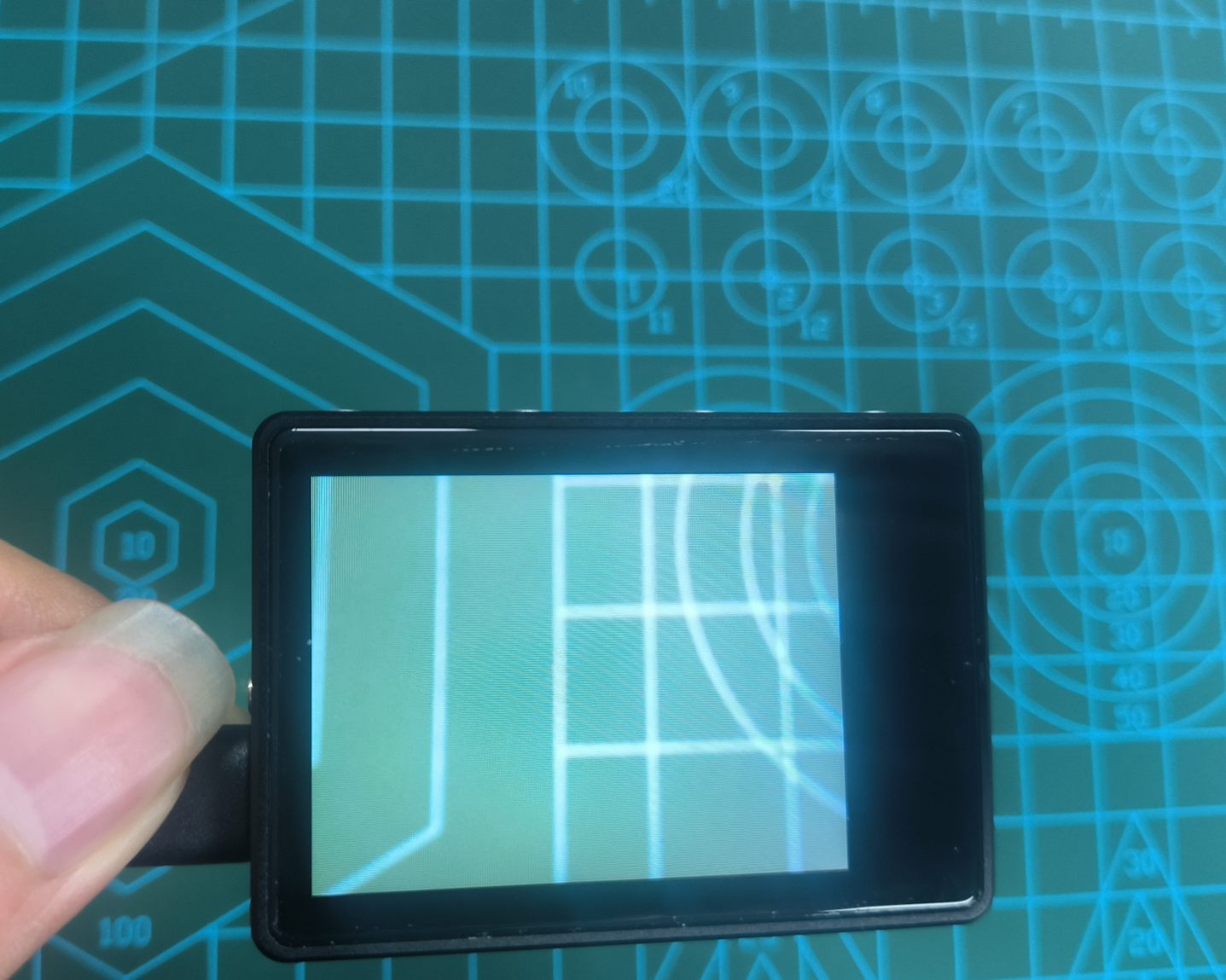
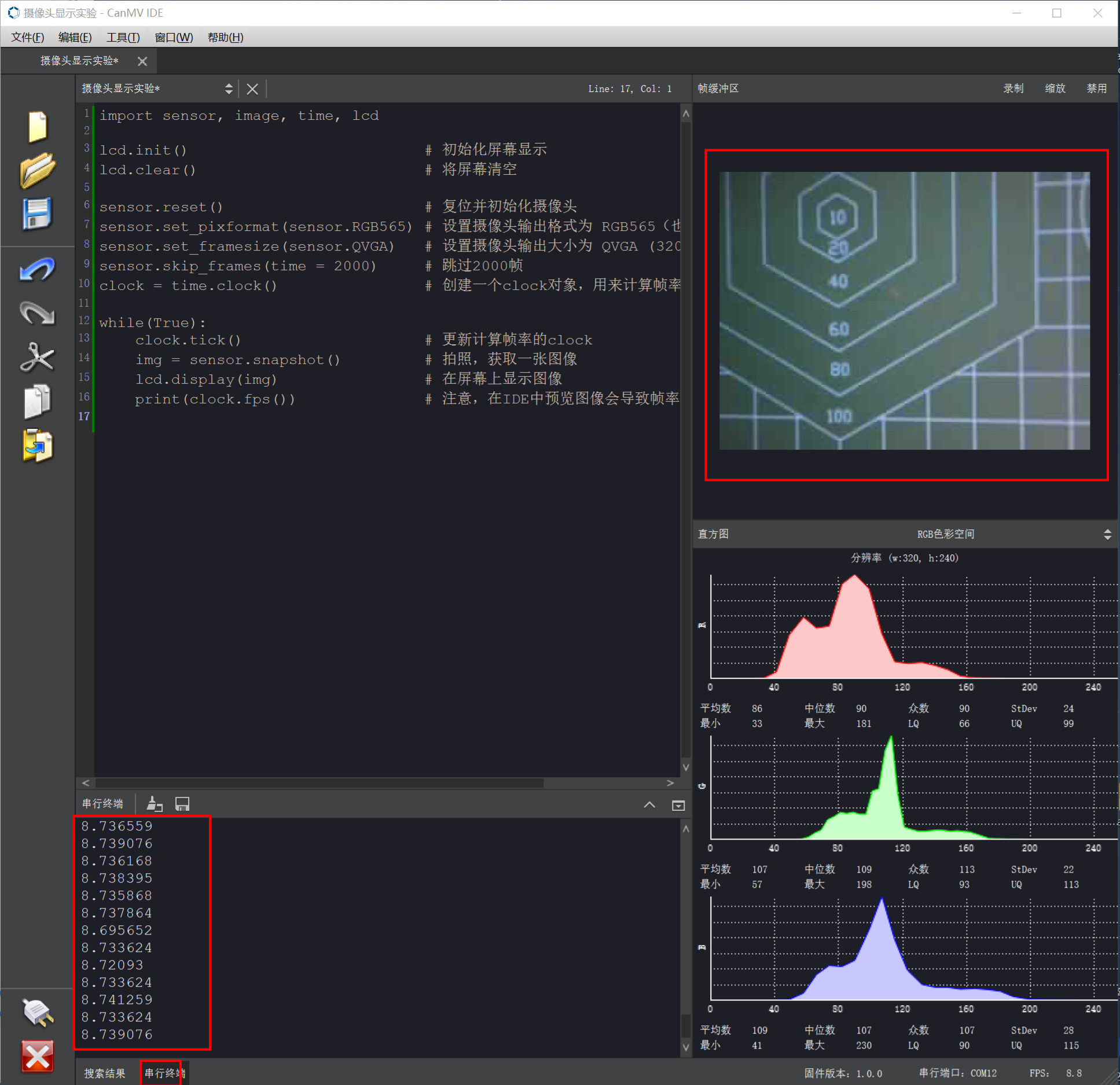
- After running, the K210 LCD displays the camera feed. The CanMV imaging area also shows the camera feed. The current frame rate is printed in the Serial Terminal.
Routine Code Explanation
Omitted. See comments in the routine code.