6. LCD Display Experiment
About 1 min
Routine Code
import lcd
import time

lcd.init()
lcd.clear(lcd.BLUE)

lcd.rotation(0)
lcd.draw_string(30, 30, "Hello", lcd.WHITE, lcd.BLUE)
time.sleep(1)

lcd.clear(lcd.BLUE)
lcd.rotation(1)
lcd.draw_string(30, 30, "Hello", lcd.WHITE, lcd.BLUE)
time.sleep(1)

lcd.clear(lcd.BLUE)
lcd.rotation(2)
lcd.draw_string(30, 30, "Hello", lcd.WHITE, lcd.BLUE)
time.sleep(1)

lcd.clear(lcd.BLUE)
lcd.rotation(3)
lcd.draw_string(30, 30, "Hello", lcd.WHITE, lcd.BLUE)
time.sleep(1)

lcd.clear(lcd.BLUE)
lcd.rotation(0)
lcd.draw_string(100, 100, "Hello", lcd.WHITE, lcd.BLUE)
time.sleep(1)
Experiment Preparation
- Connect the K210 to your computer via USB.
- Open CanMV IDE and run the routine code above.
Experiment Results
- After running, the LCD displays the text "Hello" at different rotation angles and positions.

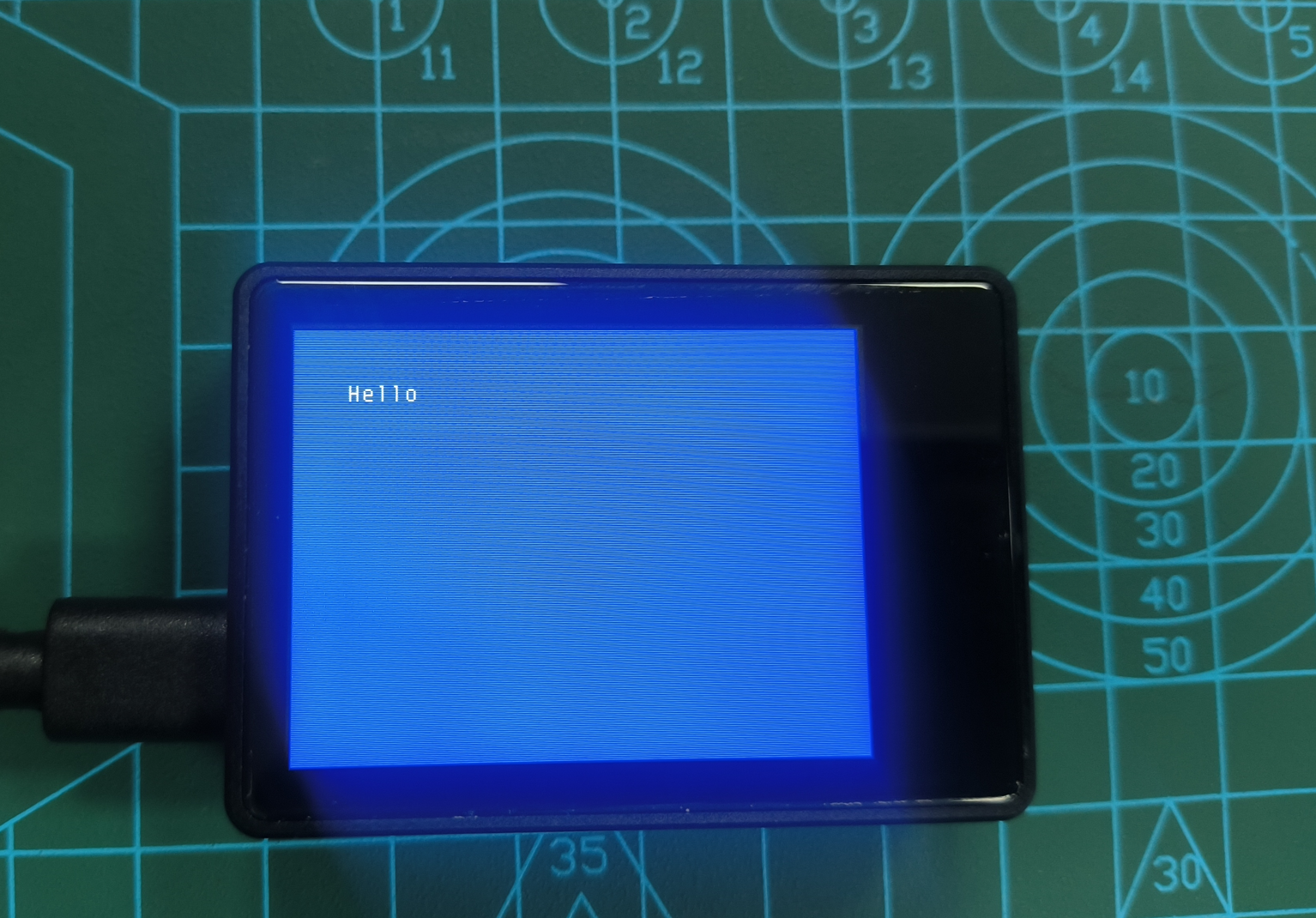
Routine Code Explanation
- Import the modules required to run the routine.
import lcd
import time- Initialize the LCD, clear the screen, and set the background color to blue.
lcd.init()
lcd.clear(lcd.BLUE)- Set the LCD display orientation to 0 degrees (default). Draw white text "Hello" at coordinates (30, 30) with a blue background. Pause for 1 second to observe the display.
lcd.rotation(0)
lcd.draw_string(30, 30, "Hello", lcd.WHITE, lcd.BLUE)
time.sleep(1)- Clear the screen and restore the blue background.
lcd.clear(lcd.BLUE)- Set the LCD display orientation to rotation 1.
lcd.rotation(1)- Draw white "Hello" text at coordinates (30, 30) and pause for 1 second.
lcd.draw_string(30, 30, "Hello", lcd.WHITE, lcd.BLUE)
time.sleep(1)- The same pattern applies for rotation angles 2 and 3: clear the screen, set background color, set rotation, draw text at the same coordinates, and pause for 1 second.
lcd.clear(lcd.BLUE)
lcd.rotation(2)
lcd.draw_string(30, 30, "Hello", lcd.WHITE, lcd.BLUE)
time.sleep(1)

lcd.clear(lcd.BLUE)
lcd.rotation(3)
lcd.draw_string(30, 30, "Hello", lcd.WHITE, lcd.BLUE)
time.sleep(1)- Reset rotation to 0 and change the text coordinates to (100, 100). Display white "Hello" text and pause for 1 second to observe the effect at a different position.
lcd.clear(lcd.BLUE)
lcd.rotation(0)
lcd.draw_string(100, 100, "Hello", lcd.WHITE, lcd.BLUE)
time.sleep(1)